Most bug reports fail the same way. Not because the reporter was careless, but because they described the symptom they noticed rather than the conditions that produce it.
"The form is broken" is a true statement that costs a developer an hour. Here's what to write instead.
What a developer needs before starting
A developer picking up a bug needs to answer three questions before writing a line of code:
- Can I see this happen? Reproduction is the whole game. A bug they can't trigger is a bug they can't confirm fixed.
- What should it do instead? Sometimes the "bug" is the feature working as designed and the expectation being wrong.
- How much does this matter? Determines whether it's next or next month.
Every field in a good report exists to answer one of those.
The anatomy of a usable report
A title that states the problem. "Checkout button does nothing on mobile Safari" beats "checkout broken." Someone should be able to scan fifty titles and know what each one is.
Steps to reproduce, numbered. The most important field, and the one most often skipped. Start from a known state:
- Go to /products/blue-widget
- Select size "Large"
- Click "Add to basket"
- Click the basket icon
- Click "Checkout"
Not "go to checkout and it fails." Where you started matters, because the bug may depend on how you got there.
Expected result. What you thought would happen. One line.
Actual result. What happened instead. One line. If nothing happened, say "nothing happened" — that's information, not a non-answer.
Environment. Browser and version, OS, device, screen size. A shocking proportion of web bugs are one browser or one breakpoint, and without this the developer starts by guessing.
Frequency. Every time? Once? Only on the first load after clearing cookies? Intermittent bugs need different investigation than deterministic ones, and knowing which you have saves hours.
Evidence. A screenshot at minimum. Console errors if you can get them.
Severity. How badly it affects users — not how annoyed you are. A misaligned icon on a page nobody visits is low, even if it looks awful.
A template you can copy
Title: [What breaks, where, under what conditions]

Steps to reproduce:
1.
2.
3.

Expected:
Actual:

Environment: [Browser + version, OS, device, screen size]
Frequency: [Always / intermittent / once]
Severity: [Critical / High / Medium / Low]

Console errors:
Screenshot: [attached]
Paste it into your tracker as a template. Reports get dramatically better when the fields are already on screen — people fill in boxes that exist and omit information nobody asked for.
The five most common mistakes
Bundling several bugs into one report. Three problems in one ticket means one gets fixed and the ticket gets closed. One bug, one report.
Describing a diagnosis instead of an observation. "The API is returning the wrong data" is a theory. "The total shows £0.00 after applying a discount code" is an observation. Report what you saw; let the developer diagnose. Wrong theories send people down wrong paths.
Vague severity inflation. If everything is critical, nothing is. Reserve it for things that block users from completing a core task.
Omitting the environment because it worked on your machine. Your machine is the least interesting one.
Reporting from memory. "It happened yesterday, I think on the pricing page" is nearly unactionable. Report at the moment it happens.
Why the exact element matters more than people expect
"The button on the pricing page" sounds specific. On a page with nine buttons — three of them saying "Get started" — it isn't.
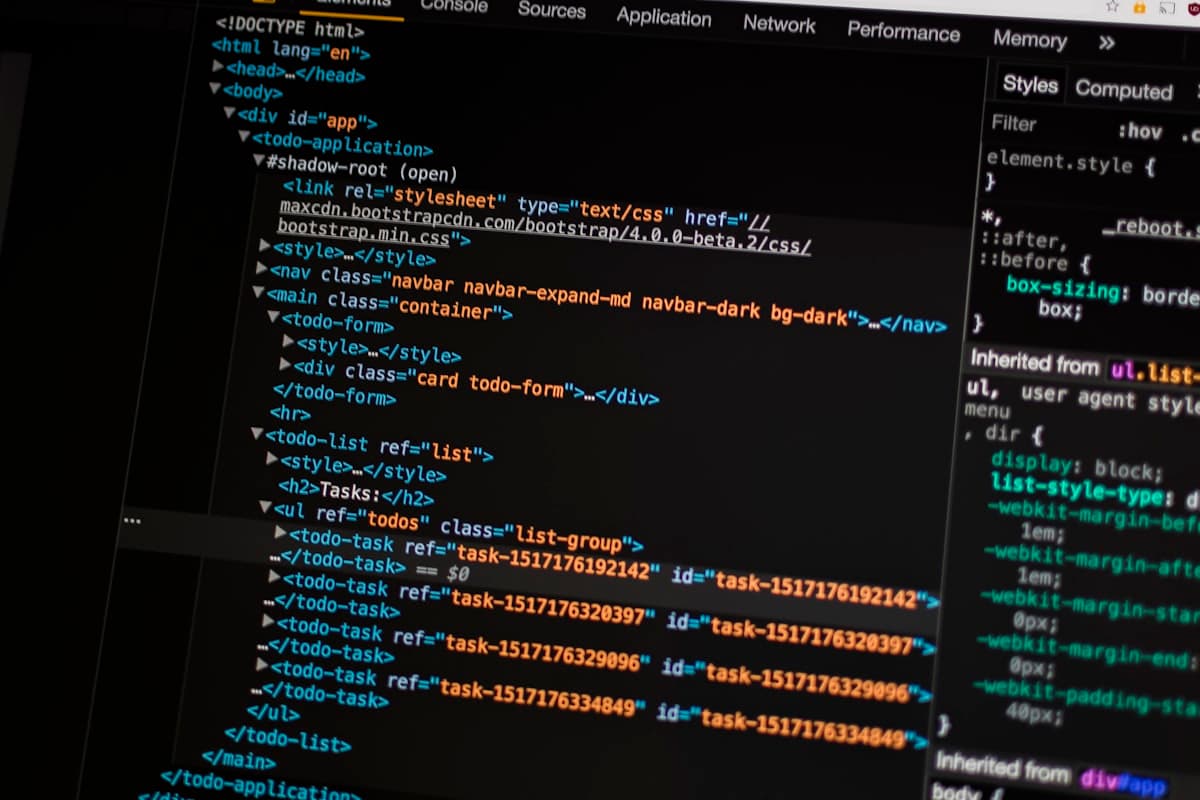
A CSS selector removes that ambiguity entirely. It points at one element in the DOM, with no interpretation required. For a developer, that's the difference between searching and opening.
This is also the field a human reporter will basically never provide, because getting it means opening devtools. Which brings us to the practical point.
Capture context instead of requesting it
Everything above asks the reporter to know things and remember to include them. In practice, non-technical reporters won't — not through carelessness, but because they don't know their browser version and shouldn't have to.
The alternative is capturing it automatically at the moment of the report. When someone clicks the element in PinReview and types a sentence, the report already carries the screenshot, the exact CSS selector, the browser and OS, the viewport size, the URL and any console errors present at that moment.
The reporter writes one sentence. The developer gets a full report.
That changes who can usefully report bugs. A client, a stakeholder, a customer — anyone who can describe what looks wrong — produces reports as complete as a QA engineer's, because the technical half never depended on them.
For more on what that capture looks like in practice, see our visual bug reporting guide.
The bottom line
A good bug report answers three questions: can I reproduce it, what should it do instead, and how much does it matter. Steps, environment and evidence exist to serve those.
Train your team on the template. For everyone else — clients, stakeholders, customers — don't train them at all. Capture the context automatically and let them write the one sentence only they can write.